
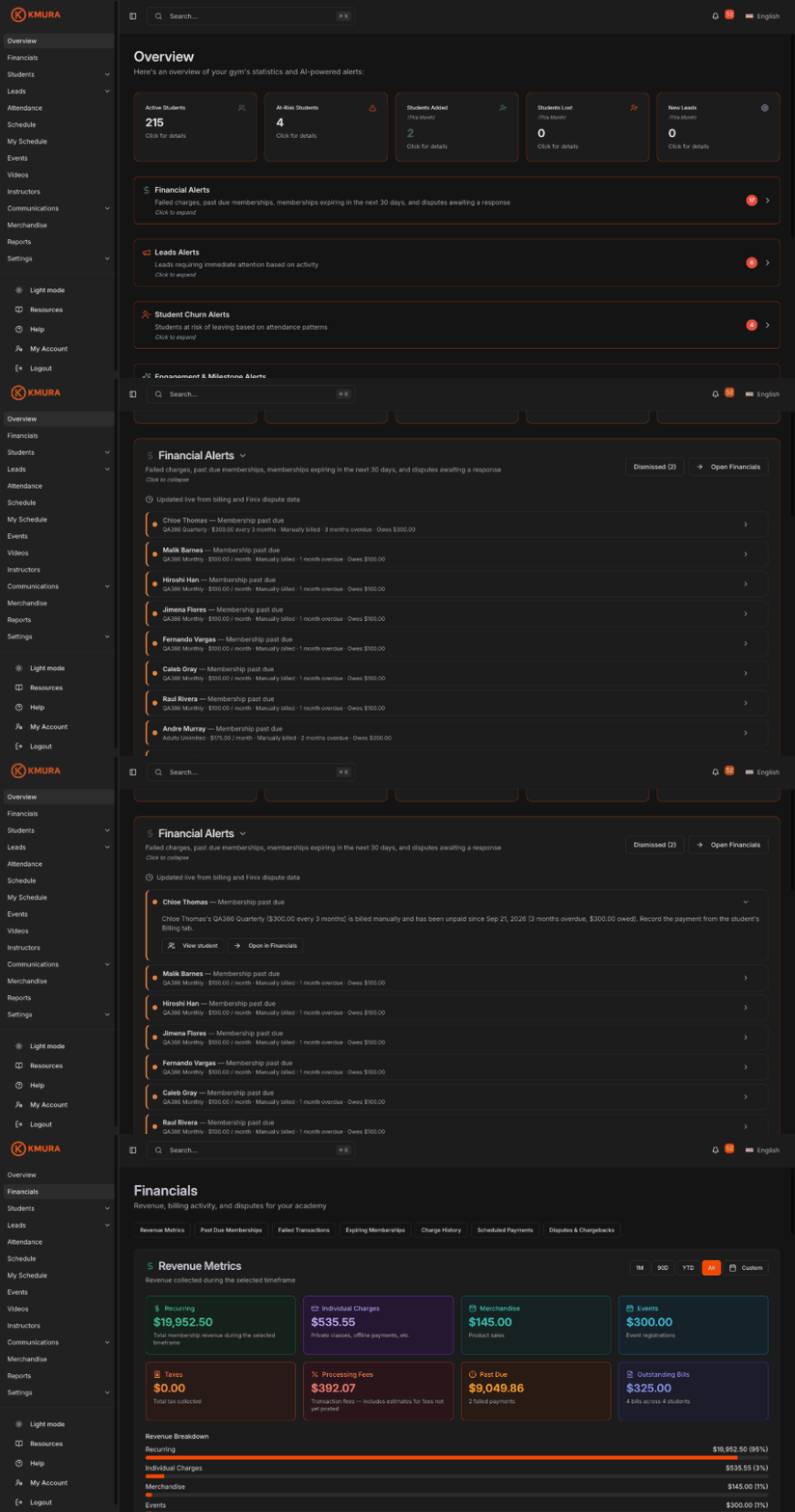
Open your Financial Alerts
Go to the Overview page. Financial Alerts is the first alert card, and its badge shows how many alerts need attention.
Click Financial Alerts to expand it.
Click Open Financials at any time to jump to the full Financials page.
Note
Financial Alerts update live from your billing and Finix dispute data. They do not wait for the nightly AI refresh.
Note
Staff only see this card if their role includes **View Financials** under **Settings** > **Users & Roles**.
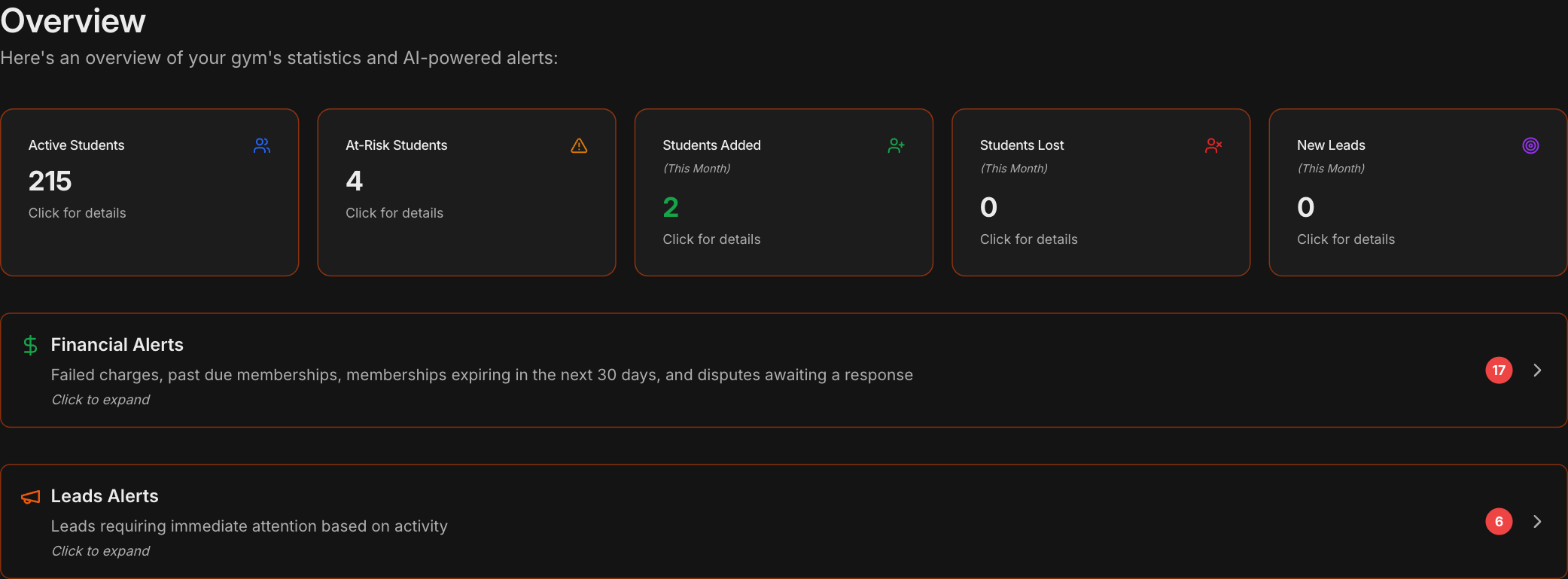
Know the four alert types
Membership past due: a membership with money owed, with the plan, how long it has been overdue, and the amount owed.
Failed charge: a declined payment, with the amount, the charge type, and the date it failed.
Expiring memberships: a membership that ends within the next 30 days.
Disputes: a chargeback or inquiry from a cardholder's bank that still needs your response, with the deadline.
Note
A card or bank membership becomes past due only after all 5 automatic charge attempts have failed, and then it shows once as **Membership past due** instead of five separate failed charges. A manually billed membership shows as past due once a billing date passes unpaid.
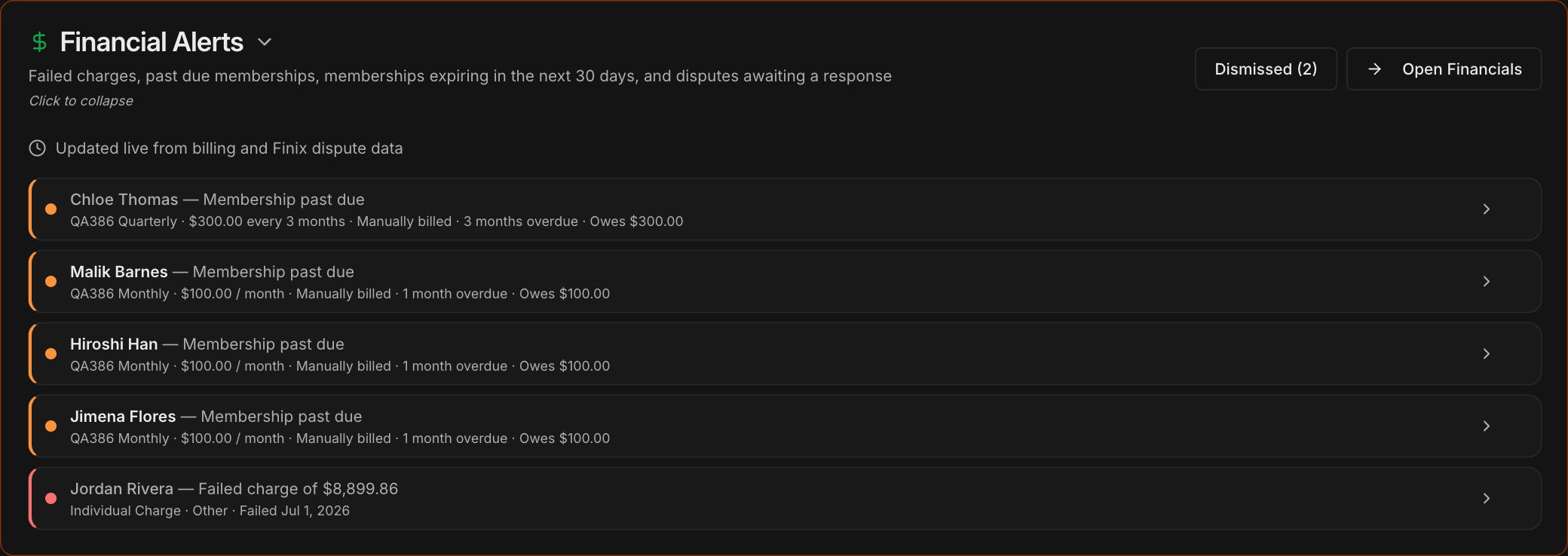
Act on an alert
Click an alert to expand it and read what happened, for example how long a membership has been unpaid and how much is owed.
Click View student to open the student's record and resolve it there, for example by charging the card again or recording an offline payment.
Click Open in Financials to jump to the matching section of the Financials page.
Tip
A past due membership alert clears on its own once the membership is paid and active again.
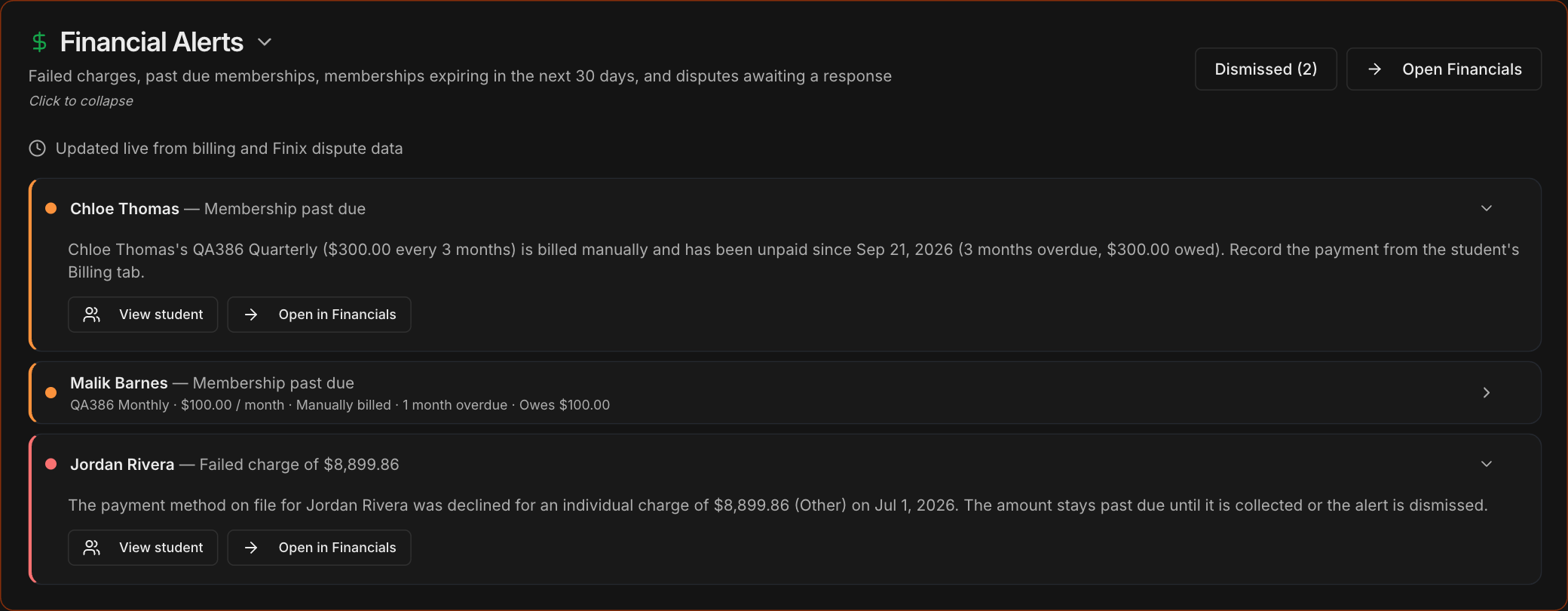
Dismiss and restore alerts
Hover over an alert and click the X to dismiss it, for example after agreeing on a payment plan with the student.
Click Dismissed to see dismissed alerts, then click Restore to bring one back. Back to Active returns you to the active list.
Dismissing a failed charge here also clears it from Failed Transactions on the Financials page, and the other way around.
Note
Disputes cannot be dismissed. They leave the list once you respond, accept the dispute, or the bank closes it.
