Spot guardians on the Students page
Students in the left menu now opens a submenu: Students, Parents/Guardians and Alumni.
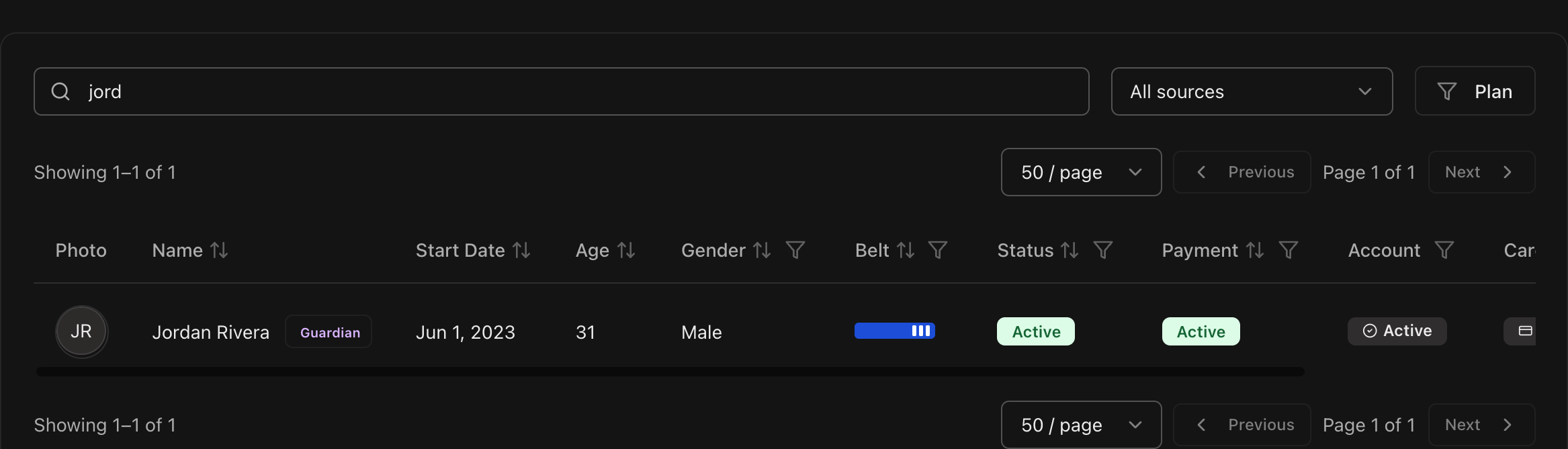
Parents and guardians who also train appear on the Students page like any other student.
A Guardian badge next to their name shows they are also responsible for at least one other student.
Open the Parents/Guardians page
In the sidebar, expand Students and open the Parents/Guardians page.
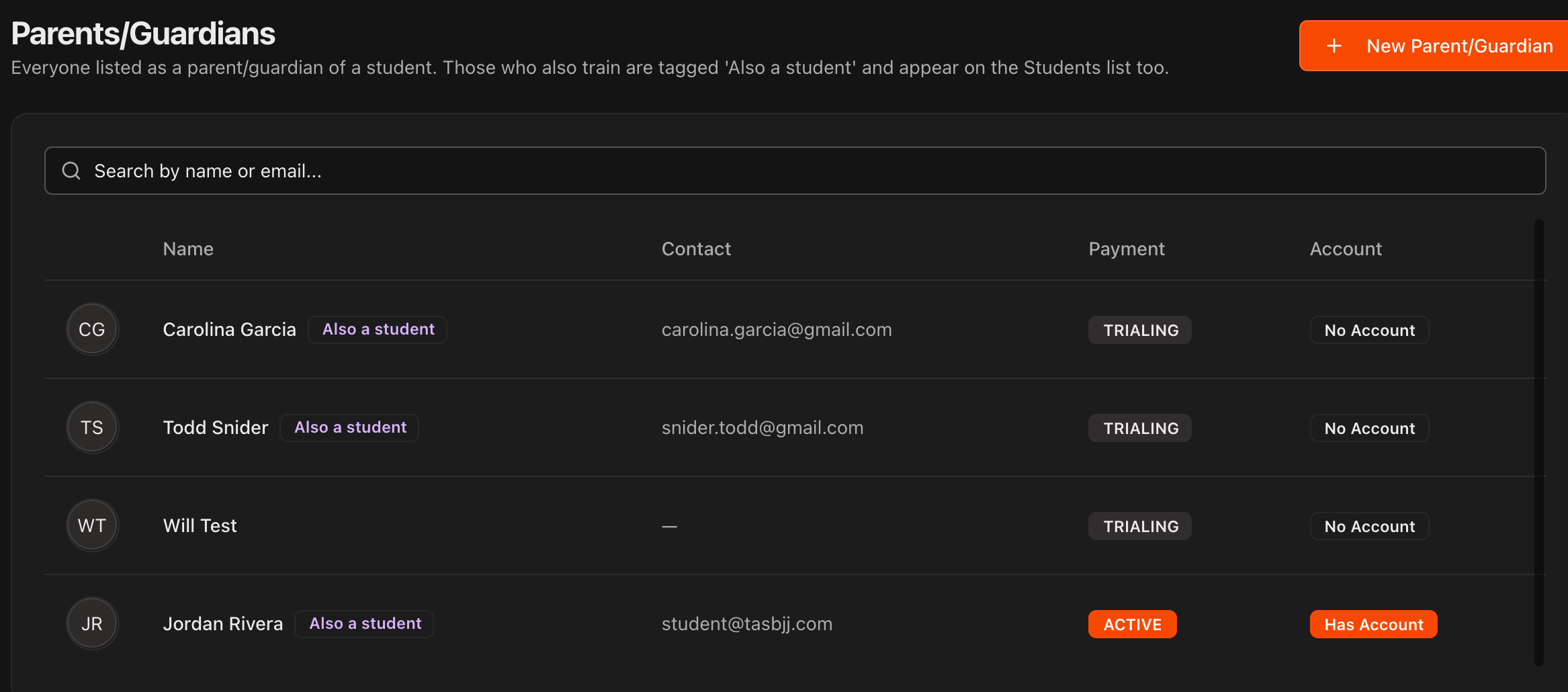
Every parent/guardian appears here, whether or not they train themselves.
Those who also train carry an Also a student tag and appear on the Students list too.
The list shows each person's contact information, payment status, and whether they have a Kmura account.
Create a new parent/guardian
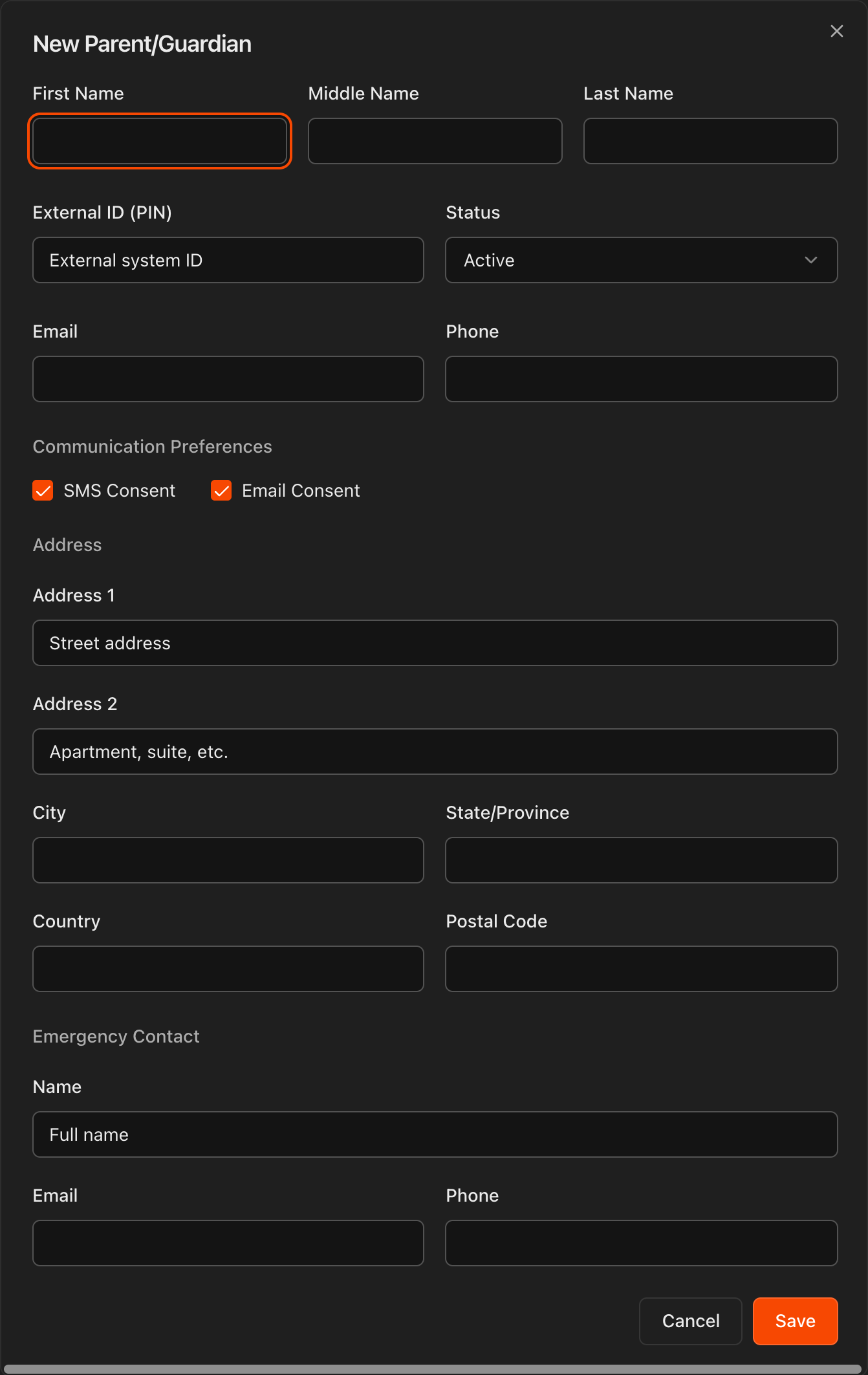
Click New Parent/Guardian at the top right of the Parents/Guardians page.
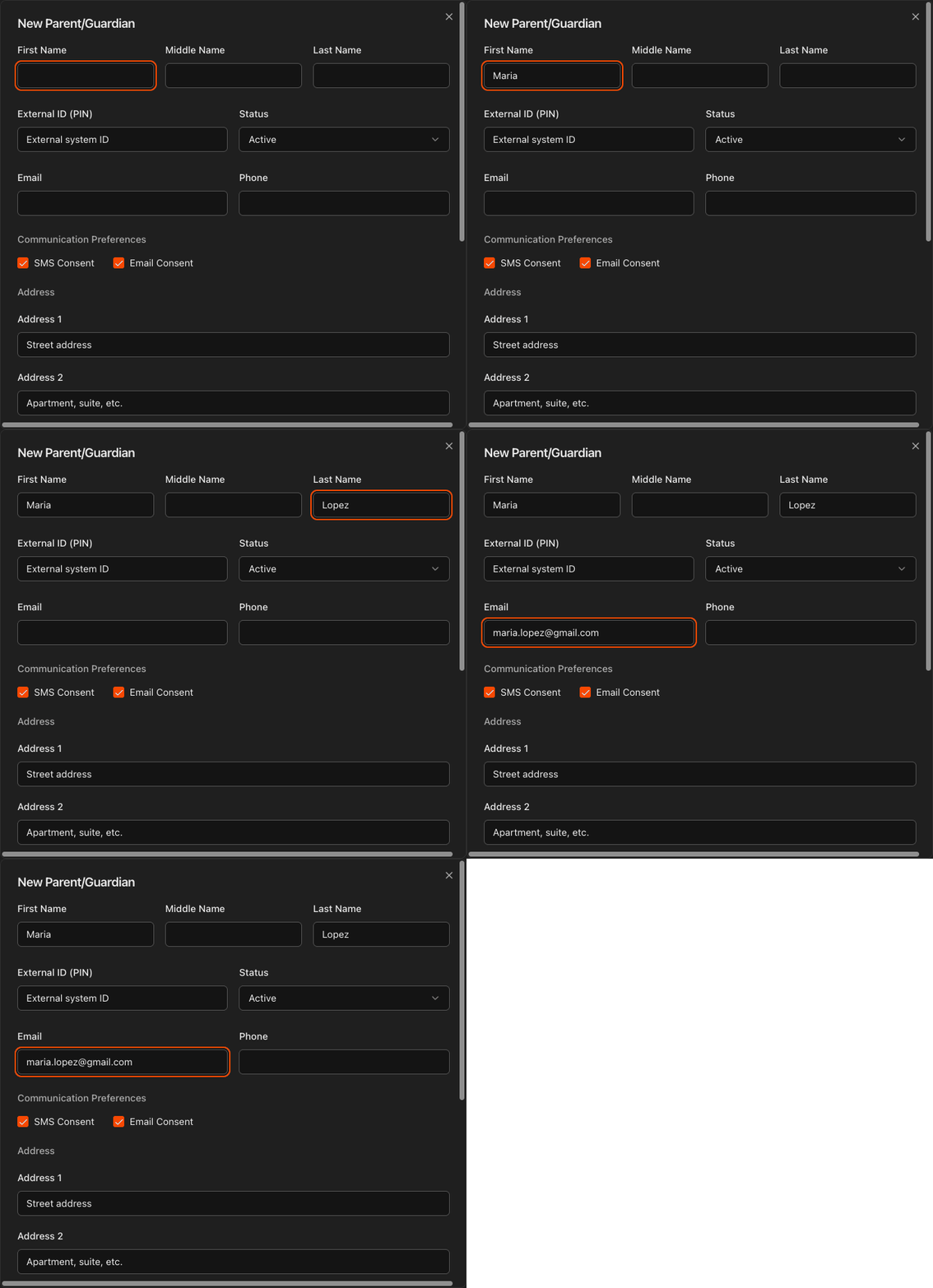
Fill in their name, contact details, communication preferences, address, and emergency contact, then click Save.
You can also create one directly from a student's profile with the Create New button next to the Parents/Guardians field on the Details tab.
Assign parents/guardians to a student
Open the student's Student Information page and scroll to the Parents/Guardians field on the Details tab.
Search for an existing person by name, or click Create New to add someone on the spot.
You can assign multiple parents/guardians to the same student if desired.
You can also assign students to a parent/guardian directly from the parent/guardian's profile under the Linked Children field on the Details tab.
Caution
Assigning a parent/guardian tells Kmura the student is a minor. All communications, such as receipts and email or SMS messages from your staff, are then sent to the parent/guardian's contact information instead of the student's.

What parents see in their portal
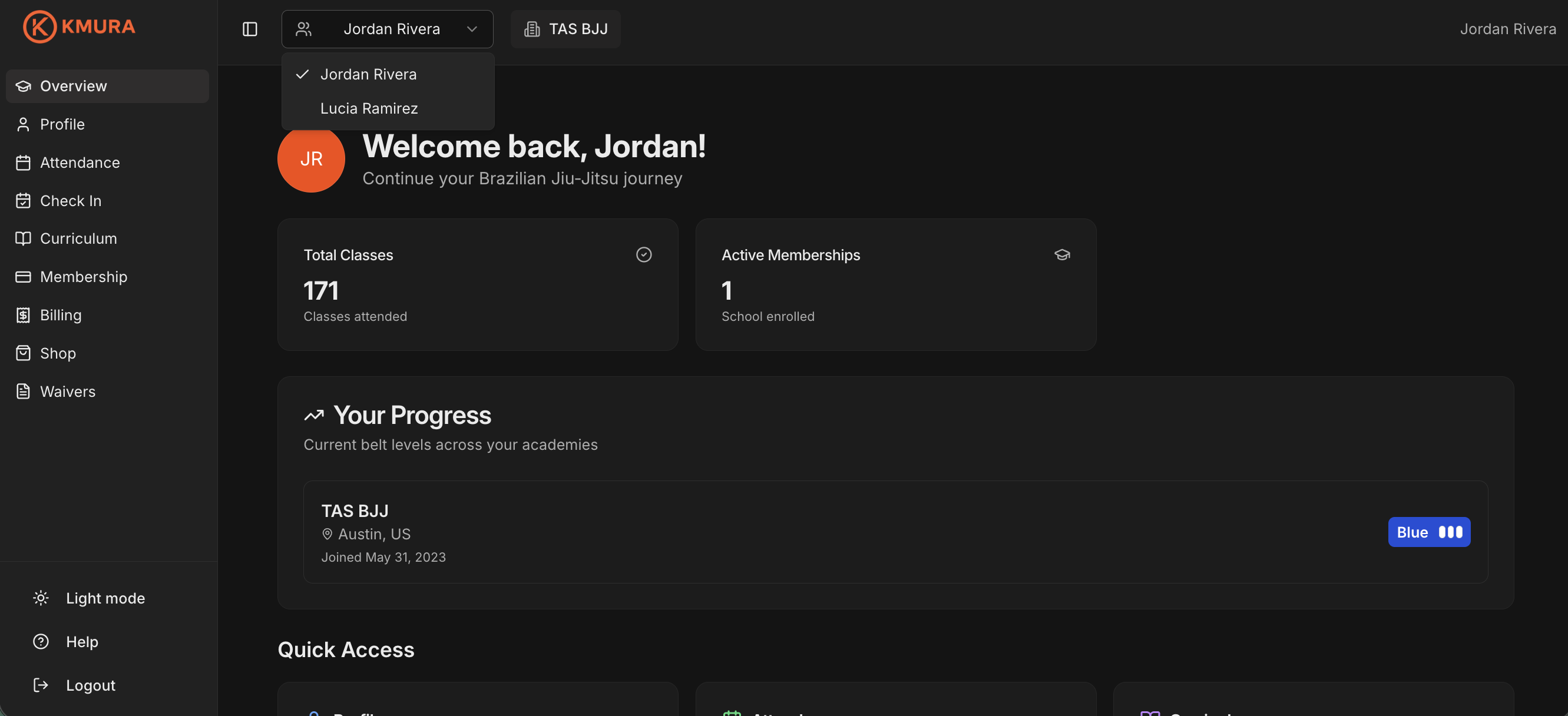
When a parent/guardian creates their Kmura account, a toggle in the header lets them switch between the profiles of every student they are assigned to.
From each profile they can manage that child's attendance, curriculum, membership, and billing.
Note
The first time they toggle to each child's profile, they may be asked to sign a waiver on that child's behalf (if your academy has a Standard Waiver set) and to add a payment method on file. The same card can be used for every profile, but it may need to be entered once per profile.