Open your Administrative Alerts
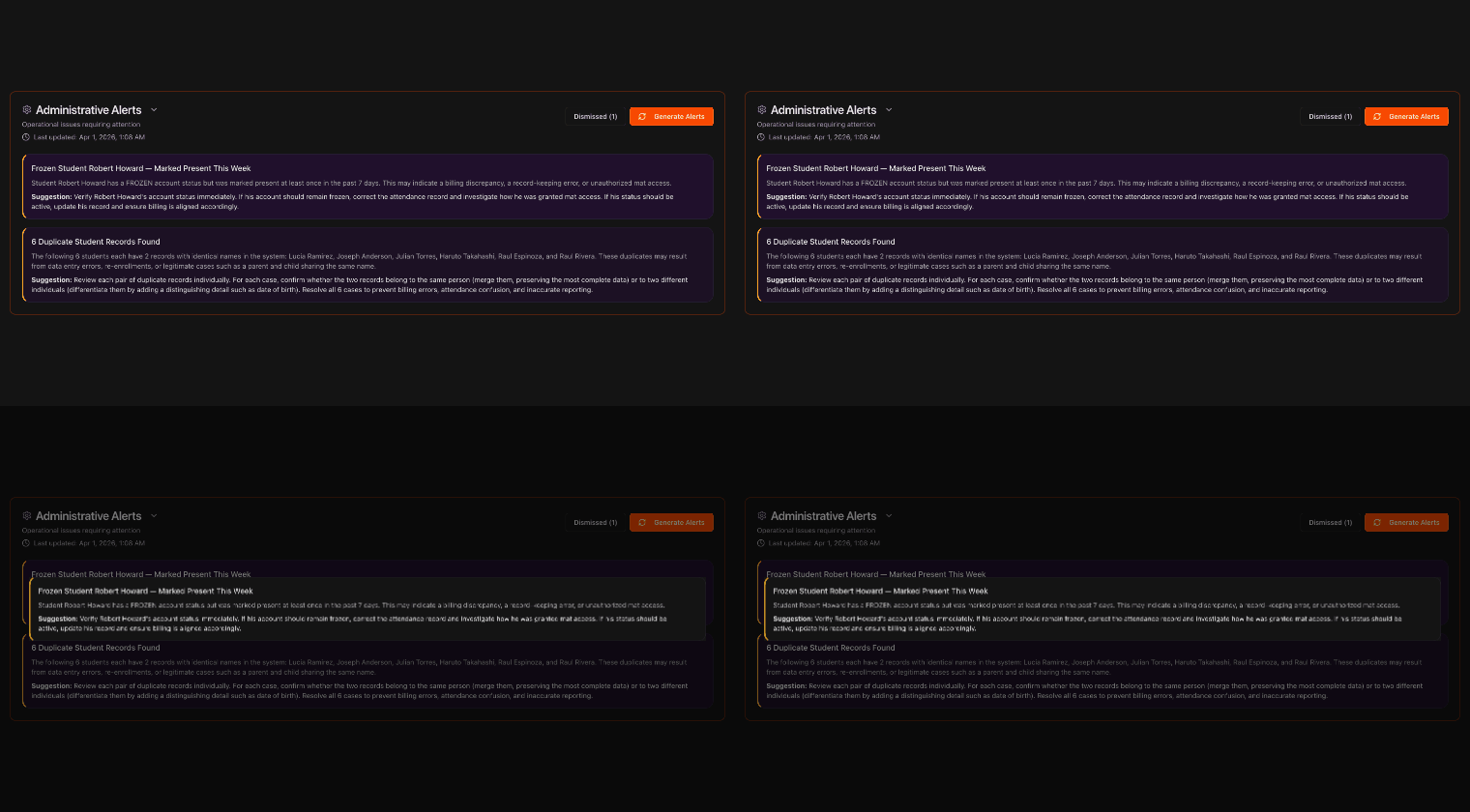
Go to the Overview page and click Administrative Alerts to expand it.
This section collects important issues that do not fit the other alert categories.
Note
Administrative Alerts are a catch-all for data and operational issues the AI thinks are worth surfacing.
Review the flagged issue
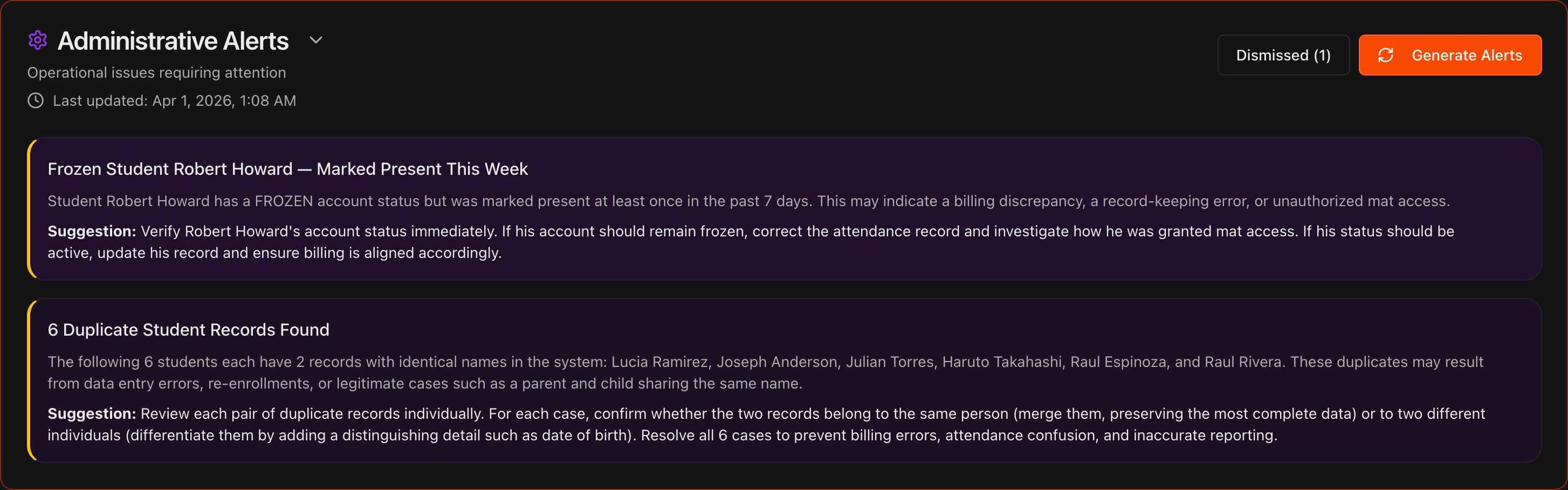
Each alert describes the issue and includes a bold Suggestion for resolving it.
Common examples include duplicate student profiles, a student marked present while listed as Frozen or Inactive, or a student exceeding the class limit on their membership plan.

Resolve the issue
Follow the suggestion to fix the record, for example merging duplicate profiles, correcting a student's status, or reviewing a plan mismatch.
Clearing these keeps your billing, attendance, and reporting accurate.
Tip
Resolving duplicates and status mismatches also prevents downstream errors in your other AI alerts.

Dismiss and restore alerts
Hover over an inaccurate or stale alert and click the X in its top-right corner to dismiss it.
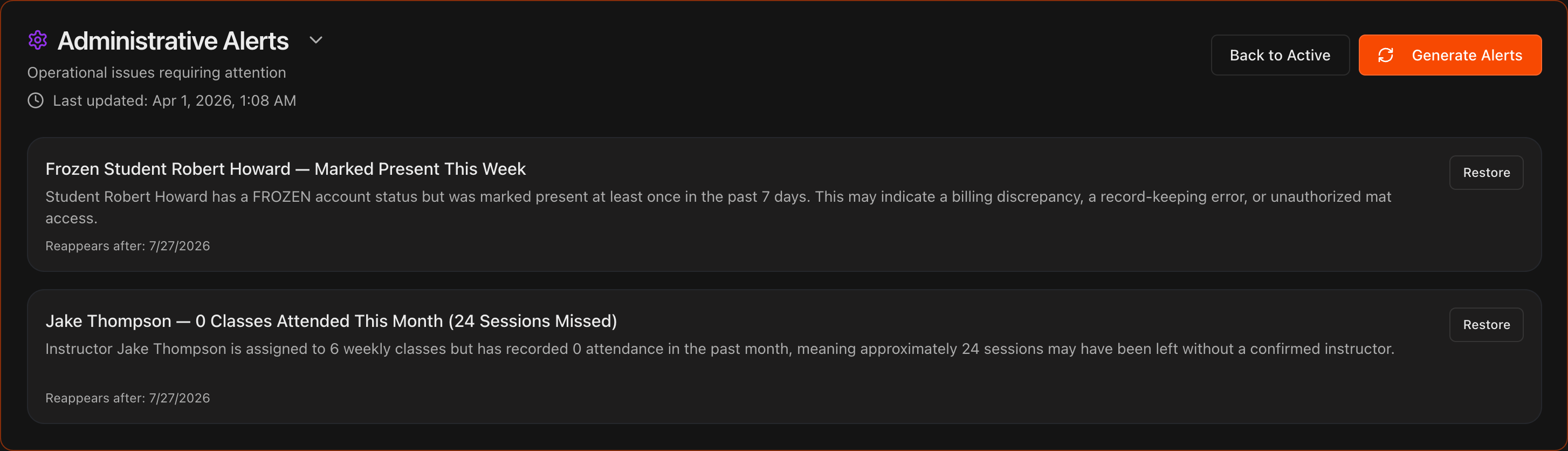
Click the Dismissed button to review dismissed alerts and restore any of them if needed.
Note
Kmura's AI automatically reassesses your gym's data every night at midnight EST and updates these alerts accordingly.